
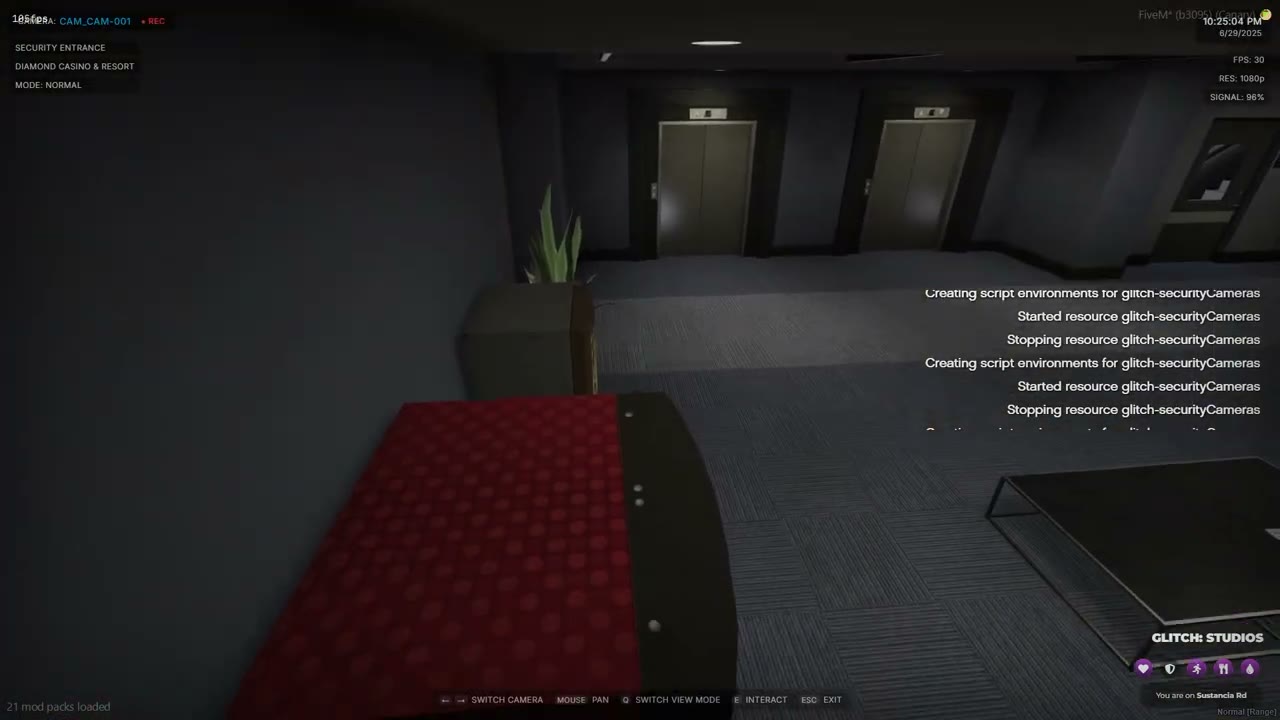
Add a camera in the config#
Config.Cameras = {
    {
        id = 10,
        name = 'Staff Facilities',
        location = 'Casino',
        modes = { nightVision = true, thermal = false },
        position = vector3(2530.2432, -265.8049, -56.6363),
        rotation = vector3(-15.0, 0.0, 229.2701),
        rotationLimits = {
            x = { min = -75.0, max = -5.0 },
            z = { min = 175.0, max = 265.0 },
        },
        interactiveProps = {
            {
                propUniqueId = 'door1',
                position = vector3(2530.8559, -273.8801, -58.5731),
                hash = 1243560448,
                interactionText = 'Disable the Door Locks',
                highlightColor = { r = 255, g = 165, b = 0, a = 200 },
                -- no hackExport: Config.DefaultHack runs
            },
        },
    },
}
Add a camera at run time#
Cameras added with AddCamera exist on the client that called it. Call it on every client that needs the camera, for example when the resource starts.
local ok, reason = exports['glitch-securityCameras']:AddCamera({
    id = 'bank_vault',
    name = 'Vault',
    location = 'Bank',
    position = vector3(255.0, 225.0, 100.0),
    rotation = vector3(-20.0, 0.0, 90.0),
    rotationLimits = { x = { min = -60, max = -5 }, z = { min = 40, max = 140 } },
    interactiveProps = {
        { propUniqueId = 'vault_panel', position = vector3(252.0, 228.0, 100.5), hash = -1498975473 },
    },
})
if not ok then print(reason) end
By default the server accepts hacks for runtime cameras. To limit them to known props, set Config.AllowRuntimeCameras = false and register the camera on the server:
exports['glitch-securityCameras']:RegisterCamera('bank_vault', { 'vault_panel' })
Start a hack from another resource#
AttemptCameraHack enters the camera, waits for the first hack result and returns it.
-- client
local won = exports['glitch-securityCameras']:AttemptCameraHack(1, 'security_mainframe', { 1, 2 })
if won then
    TriggerServerEvent('myHeist:server:cameraBypassed')
end
The client result is only a hint. Pay out or unlock on the server, as shown below.
Pay out on the server#
-- server
AddEventHandler('glitch-securityCameras:server:hackCompleted', function(source, cameraId, propId)
    if cameraId == 1 and propId == 'security_mainframe' then
        -- unlock doors, start the next stage, pay the crew
    end
end)

-- or check the state later
if exports['glitch-securityCameras']:IsHacked(1, 'security_mainframe') then
    -- already done
end
Limit who can hack#
-- server
exports['glitch-securityCameras']:SetHackAuthorizer(function(source, cameraId, propId)
    return exports.ox_inventory:Search(source, 'count', 'laptop') > 0
end)
Return true to let the player start. Any other result, or an error inside the function, refuses the hack. Call SetHackAuthorizer(nil) to remove it.
Use your own minigame event#
-- in the prop
hackEvent = 'myHeist:client:cameraHack',
hackParams = { difficulty = 3 },

-- client
AddEventHandler('myHeist:client:cameraHack', function(params, callback)
    local won = runMyMinigame(params.difficulty)
    callback(won)
end)
Reset hacks for a new run#
exports['glitch-securityCameras']:ResetHack(1, 'security_mainframe')
exports['glitch-securityCameras']:ResetAllHacks()
Stuck on a step?Ask in the Discord →