
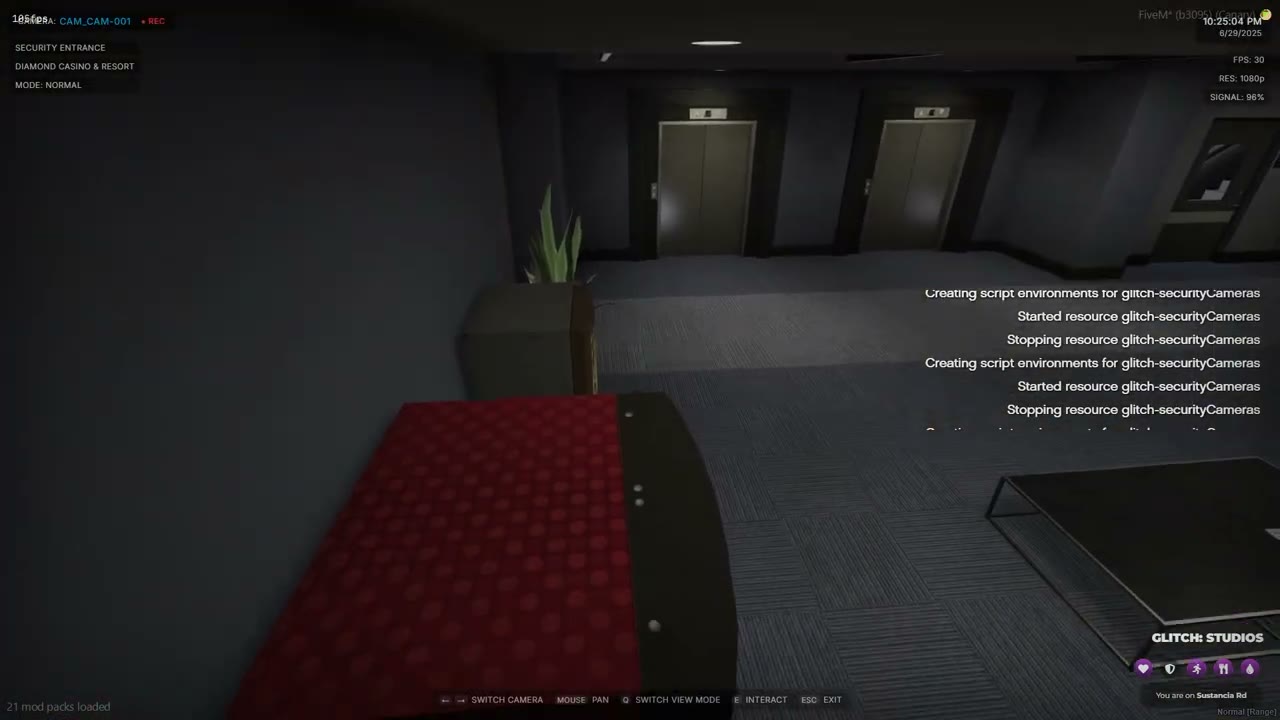
Config file#
Everything is in shared/config.lua, which is loaded on the client and the server and is never encrypted. Restart the resource after changing it.
| Setting | Default | What it does |
|---|---|---|
Config.Debug |
false |
Prints extra output to the console. Leave it off on a live server. |
Config.AutoExitEnabled |
true |
Leaves the camera by itself after Config.AutoExitTime. A running hack does not count. |
Config.AutoExitTime |
300 |
Seconds before the automatic exit. |
Config.Controls |
see below | Game control ids for left, right, exit, interact and view mode. |
Config.GroupBlock |
100 |
Camera ids are grouped in blocks of this size for the arrow keys. |
Config.DefaultHack |
glitch-minigames:StartSurgeOverride |
Minigame used when a prop has neither hackExport nor hackEvent. |
Config.HackParamOrder |
{ 'keys', 'requiredPresses', 'decayRate' } |
Turns a keyed hackParams table into arguments. |
Config.HackResetSeconds |
1800 |
How long a hacked prop stays hacked for everyone. |
Config.MinHackSeconds |
2 |
A hack reported finished sooner than this is refused. |
Config.BeginCooldownMs |
2000 |
Minimum time between two hack starts from one player. |
Config.AllowRuntimeCameras |
true |
The server accepts hacks for cameras added with AddCamera. |
Config.MaxHacksPerPlayer |
8 |
Hacked props one player can hold at once. |
Config.HackEventTimeoutMs |
120000 |
How long a prop hackEvent may take to answer before it counts as failed. |
Config.FallbackSkillCheck |
{ 'easy', 'easy', 'medium' } |
ox_lib skill check difficulties used when the default minigame resource is not running. false makes those props unhackable. |
Config.Locale |
English | All player-facing text. |
Config.Cameras |
{} |
Your cameras. |
Config.EnableExamples |
false |
Adds the two cameras in Config.ExampleCameras to Config.Cameras. |
Controls#
| Key | Default | Control id |
|---|---|---|
| Previous camera | Arrow left | 174 |
| Next camera | Arrow right | 175 |
| Exit | Backspace | 194 |
| Hack the highlighted prop | E | 38 |
| Change view mode | Q | 44 |
If you change a control, also change the key text in Config.Locale.keys, and Config.Locale.interactKey for the hack prompt.
Camera groups#
With no allowed list, the arrow keys only cycle through cameras in the same group. With the default Config.GroupBlock = 100, ids 8501 and 8502 share a group, and id 100 is separate. A camera can set group = 'name' to choose its own group.
Camera fields#
Config.Cameras = {
    {
        id = 1,                         -- unique, number or string
        name = 'Security Entrance',
        location = 'Casino',
        modes = { nightVision = true, thermal = true },   -- optional, both default to true
        position = vector3(0.0, 0.0, 0.0),
        rotation = vector3(-10.0, 0.0, 136.0),
        rotationLimits = { x = { min = -75, max = -5 }, z = { min = 89, max = 175 } },
        interactiveProps = {
            {
                propUniqueId = 'security_mainframe',
                position = vector3(0.0, 0.0, 0.0),
                hash = -1498975473,
                interactionText = 'Disable the Door Locks',
                successText = 'Security system bypassed',
                failText = 'Security alert triggered',
                highlightColor = { r = 0, g = 255, b = 0, a = 200 },
                exitOnHack = false,
                hackExport = 'glitch-minigames:StartSurgeOverride',
                hackParams = { keys = { 'E', 'F' }, requiredPresses = 30, decayRate = 2 },
            },
        },
    },
}
| Field | Notes |
|---|---|
id, name, position, rotation |
Required. position and rotation must be vector3. The id must be unique. |
location |
Shown on the camera screen. Falls back to Config.Locale.unknownArea. |
modes |
nightVision and thermal. Both default to true. |
rotationLimits |
x is vertical, z is horizontal. The camera rotation must sit inside these limits. |
propUniqueId, position, hash |
Required for each prop. The hash must be a model that exists as an object within 10 metres of position. |
interactionText, successText, failText |
Optional text for the prop. Defaults come from Config.Locale. |
highlightColor |
Outline color as { r, g, b, a }. |
exitOnHack |
Leave the camera after the hack. Defaults to off. |
hackExport |
'resource:export'. The export must return true on success. |
hackEvent |
A client event instead of an export. It receives (params, callback) and must call callback(true) or callback(false). |
hackParams |
A list, passed as arguments in order, or a keyed table turned into arguments by Config.HackParamOrder. |
onSuccessEvent, onFailEvent |
Client events fired after a hack. They receive the prop id. |
If a prop has neither hackExport nor hackEvent, Config.DefaultHack runs.
Finding rotation limits#
The x values run from -180 to 180 and the z values cover 360 degrees. Stand where the camera should sit, look in the direction you want the camera to cover, and note your heading and pitch. Use those to pick the min and max. Set the camera rotation to a heading that falls between the two z limits.