
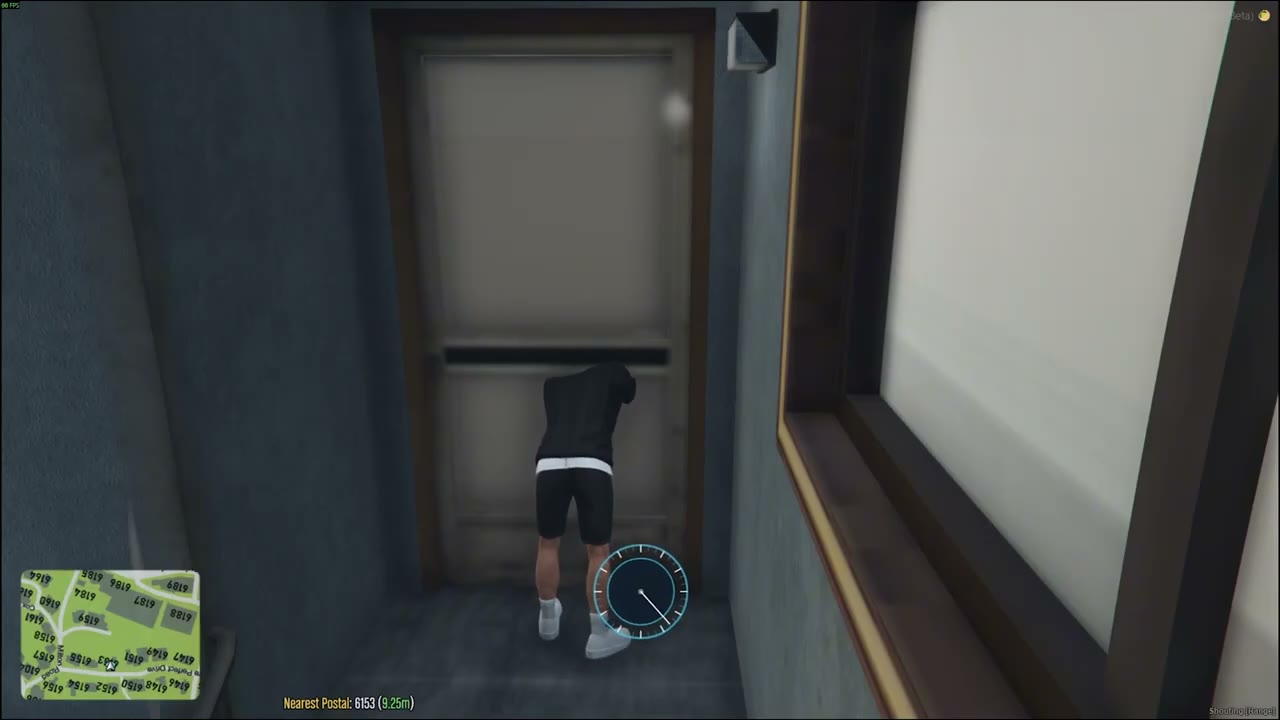
Run a test robbery#
Set Config.Debug = true, restart the resource and run /hr_test 1 as an admin near a listed house. Walk the shell, search the spots and leave through the front door. Run /hr_end to close it. Turn debug off again when you are done.
Lay out a new shell#
Start a test robbery in the shell, then stand where each point should be and run the layout commands:
/hr_spot Wardrobe
/hr_spot safe Wall safe
/hr_carry
/hr_alarm
/hr_entry
/hr_layout
Offsets are saved to data/layouts.json. Use /hr_undo to remove the last search spot.
Use your own payout item#
Config.Standalone.payout = {
    type  = 'cash',
    tiers = { { 240, 540 }, { 540, 1100 }, { 800, 1300 }, { 1300, 2500 } },
    cleanBonus = 0.25,
}
Tablet-only servers#
Config.Standalone.enabled = 'auto'   -- the contact NPC only appears without the tablet
Config.Freelance.enabled  = false
Add a Disassemble button to an item#
Add a button to the item in ox_inventory/data/items.lua and a yield in Config.Disassemble.items:
['toaster'] = {
    label = 'Toaster',
    weight = 1500,
    buttons = { { label = 'Disassemble', action = function(slot)
        TriggerEvent('glitch-houserobbery:client:disassemble', slot)
    end } },
},
Config.Disassemble.items.toaster = { { 'metalscrap', 1, 2 }, { 'copper', 1, 1 } }
Add an area#
Config.Areas.my_suburb = {
    label = 'My Suburb',
    houses = {
        vector3(100.0, 200.0, 30.0),
        vector3(110.0, 210.0, 30.5),
    },
}
Restart glitch-criminaltablet afterwards so it picks up the new contracts.
Stuck on a step?Ask in the Discord →